A few months ago, I received a frantic call from a long-time acquaintance, Dheeraj. He’s the founder of a mid-sized multinational export business based in Bengaluru with offices across Asia and Europe. When I picked up, he didn’t even say hello. He just said, “My files are gone. My team’s backups… they’re encrypted too. What do I do?”
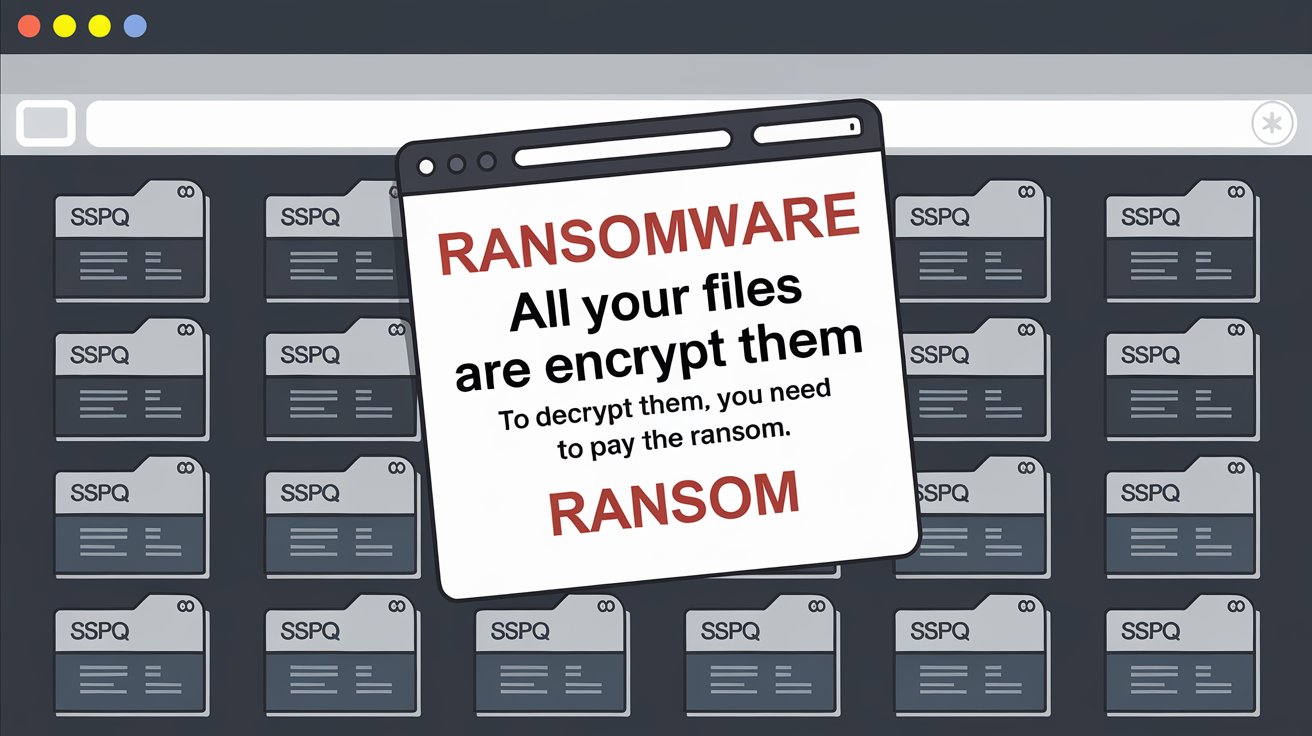
Dheeraj’s company had fallen victim to a massive ransomware attack. Not only had the attackers locked his company’s core data, but they had also corrupted and deleted the server backups his IT team had painstakingly maintained. His recovery chances seemed slim. The attackers demanded a huge sum. Even worse, they knew exactly where the backups were stored. It was a planned surgical strike.
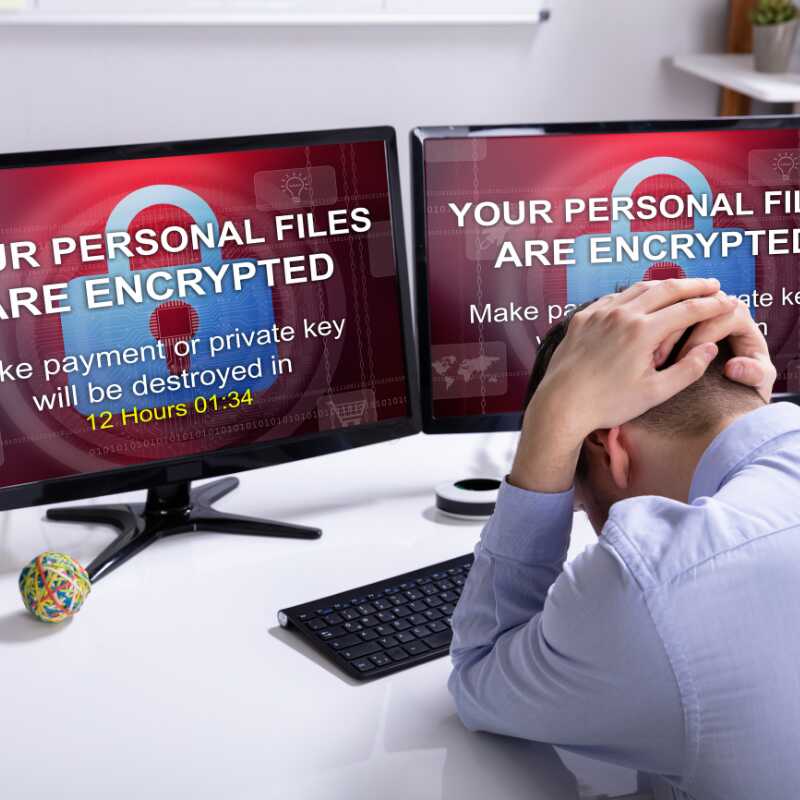
That day hit me hard. We always think we’re prepared until we aren’t. And it made me realize how many companies overlook one painful truth: ransomware attackers now target backups first.
That’s why this blog exists. If you’re reading this, you probably understand how devastating ransomware can be. But the good news is, there’s a lot we can do to protect our server backups and enable reliable Ransomware Data Recovery.
In the next few sections, I’ll guide you through 10 practical, emotional, and action-driven tips to help you secure your data, your team, and your peace of mind.
Why Backups Are a Prime Target for Ransomware
You might wonder, why are backup files such a big deal for cybercriminals? Let me explain.
Backups are your safety net. They’re the only thing that stands between a devastating loss and full recovery. And attackers know this. They understand that if they destroy your backups, you’ll have no option but to pay them.
Here’s what typically happens in a ransomware attack:
- The attacker infiltrates your network
- They encrypt your primary data
- Then, they look for and either encrypt or delete your backups
- You receive a ransom demand
Recent studies suggest that nearly 73% of ransomware attacks compromise backup environments. This means even if your data is backed up, you might still lose everything.
Attackers are getting smarter. But we can get stronger.
Did You Know? Some ransomware variants like “Ryuk” and “Maze” are programmed to automatically search for backup drives and cloud connections to destroy them before launching the main attack.
10 Tips to Protect Server Backups from Ransomware Attacks
Let’s explore these tips one by one. Each of them can make a powerful difference in keeping your Ransomware Server Backup Solutions safe and sound.
1. Use Immutable Backups
Think of immutable backups as memories captured in stone. Once created, they cannot be altered or deleted—even by someone with admin rights.
Why it’s important:
- Prevents attackers from encrypting or deleting your backups
- Ensures backup data stays intact even during advanced ransomware attacks
- Works with both cloud and on-premise solutions
Popular options that offer immutability:
- Amazon S3 Object Lock
- Veeam with immutability
- On-premise WORM (Write Once, Read Many) tapes
By choosing immutability, you ensure your Ransomware Data Recovery plan remains rock-solid.
2. Implement Air-Gapped Backup Systems
Air-gapping means storing a copy of your data completely offline, away from any networks or internet access.
There are two types:
- Physical air-gap: Backups stored on drives or tapes disconnected from all networks
- Logical air-gap: Data stored in isolated networks or with restricted access layers
Why this matters:
- Even if your network is compromised, attackers can’t reach the air-gapped backups
- Adds a strong layer of defense to your Server Ransomware Recovery strategy
It’s like having a secret underground room with emergency supplies that no one else knows about.
3. Encrypt Your Backup Data
Imagine your data as a locked suitcase. Even if someone steals it, without the key, it’s useless. That’s what encryption does.
How to do it right:
- Use AES-256-bit encryption for maximum security
- Encrypt both in transit and at rest
- Store encryption keys in a separate, secured location
Even if attackers access your backups, encryption ensures they can’t read a single byte.
4. Enforce Strict Access Controls and Role-Based Access
One mistake many companies make is giving too many people too much access. It’s a risk that can be easily avoided.
Steps to tighten access:
- Follow the principle of least privilege: give users only the access they need
- Create roles for different access levels
- Regularly audit and update user permissions
- Monitor for unusual access behavior
Only a few trusted hands should have access to the vault where your backups live.
5. Store Backups in Multiple Locations (The 3-2-1 Rule)
This timeless rule is still one of the most effective strategies for ransomware prevention.
Here’s how it works:
- Keep 3 copies of your data
- Use 2 different types of storage media (e.g., hard drive + cloud)
- Keep 1 copy off-site (physically or on secure cloud)
Why it works:
- Reduces the risk of losing everything in one attack
- Ensures quick recovery even if one or two locations are compromised
Your data deserves multiple layers of care and safety.
6. Regularly Test Backup Restores
Having backups is not enough. You must know they work.
Testing checklist:
- Set a monthly or quarterly schedule for restore tests
- Test both full and partial restores
- Document time taken, success rates, and errors
- Involve your IT team and verify end-user accessibility
A backup that fails when you need it is as bad as not having one.
7. Monitor Backup Systems for Suspicious Activity
Sometimes, your backup system tries to warn you—but no one’s listening.
What to monitor:
- Sudden or unusual deletions
- Failed backup attempts
- Multiple login failures
- Large data transfers at odd hours
Useful tools:
- Backup solution dashboards
- Security Information and Event Management (SIEM) tools
- Real-time alerting systems
Staying vigilant helps you act before things spiral.
8. Patch and Update Backup Software Frequently
Even the best tools need maintenance. Old software often has loopholes that hackers exploit.
Your routine should include:
- Regular patching of backup software
- Vendor-recommended updates
- Security bulletins and changelogs review
- Use of managed services with auto-update features
Outdated software is like leaving your front door open at night.
9. Segment Backup Infrastructure from Primary Network
Don’t keep your backup and production systems on the same ship. If one sinks, the other might survive.
How to isolate backups:
- Use separate VLANs for backup traffic
- Keep firewalls and access control between networks
- Use dedicated backup servers
Why it works:
- Prevents lateral movement of ransomware
- Limits exposure from infected production systems
This simple practice can shield your entire Ransomware Server Backup Solution from major disasters.
10. Educate and Train Your IT Staff on Backup Security
You can have the best systems, but if your people aren’t prepared, it all falls apart.
What training should include:
- Ransomware identification and response
- Secure handling of backups
- Role-based drills and recovery simulations
- Regular refreshers and awareness workshops
Your people are your first line of defense. Empower them.
Did You Know? Most Best Ransomware Data Recovery Companies in India recommend quarterly team drills to keep recovery skills fresh and effective.
Bonus Tip: Use Ransomware-Resilient Backup Tools
Some backup tools now come with smart features that detect ransomware activity and take action automatically.
Look for tools that offer:
- Anomaly detection in backup data
- Auto-snapshot and rollback features
- Multi-factor access controls
These tools act like a digital bodyguard for your backup files.
Conclusion
At the heart of it, this is not just about data. It’s about your business, your people, your peace of mind. A good Ransomware Data Recovery plan doesn’t start when things go wrong. It begins today—with small, consistent steps.
Start now:
- Pick 2 or 3 tips from this list
- Review your backup strategy with your team
- Create a plan you can trust in a crisis
Remember Dheeraj? His company did recover. But only after weeks of struggle. Let your story be different. Let it be one of preparedness and peace.
Frequently Asked Questions (FAQs)
1. What should I do immediately after a ransomware attack?
Disconnect affected systems, inform your security team, and check if your backups are safe. Do not pay the ransom until you’ve explored recovery options.
2. Are cloud backups safe from ransomware?
Only if configured properly. Use immutable, air-gapped, and encrypted backups for real protection.
3. How often should I test my backups?
Ideally, monthly. At minimum, every quarter. Always test both full and partial restores.
4. Can I use free backup tools for protection?
Some are decent, but for enterprise-level protection, it’s better to use premium solutions that offer Ransomware Solutions and enterprise-grade support.
5. What makes a backup solution ransomware-resilient?
Features like immutability, anomaly detection, automatic recovery, and access control layers make a big difference.